Acquisition
Play a swept-sine stimulus through a chosen output and record the response with optional reference input. Captures are saved as WAV files and opened for analysis.
Audio measurement workspace
Record measurements, monitor a room in real time, inspect waveforms, and compare detailed acoustic analysis in one focused workspace.
Measure
Play a swept-sine stimulus through a chosen output and record the response with optional reference input. Captures are saved as WAV files and opened for analysis.
Compare microphone and reference inputs continuously. Follow frequency response, level difference, and delay alignment while sound is running.
Track calibrated sound pressure level with selectable A or C weighting, response speed, averaging, and a rolling 60-second history.
Inspect
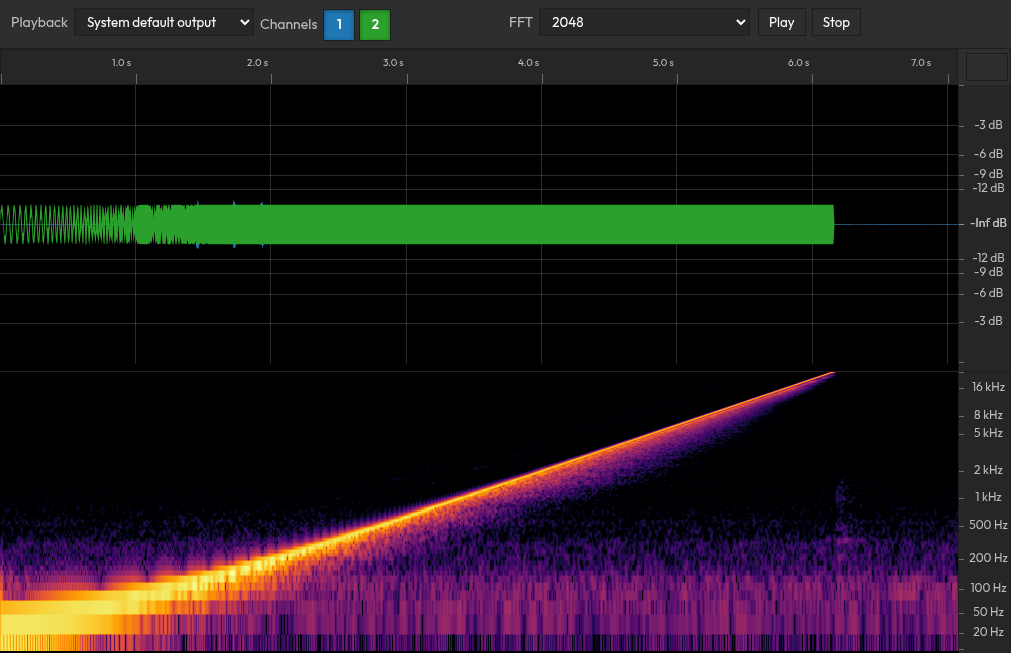
Waveform view
Zoom into time and amplitude, choose visible channels, inspect the spectrogram, and play selected channels through your preferred output.
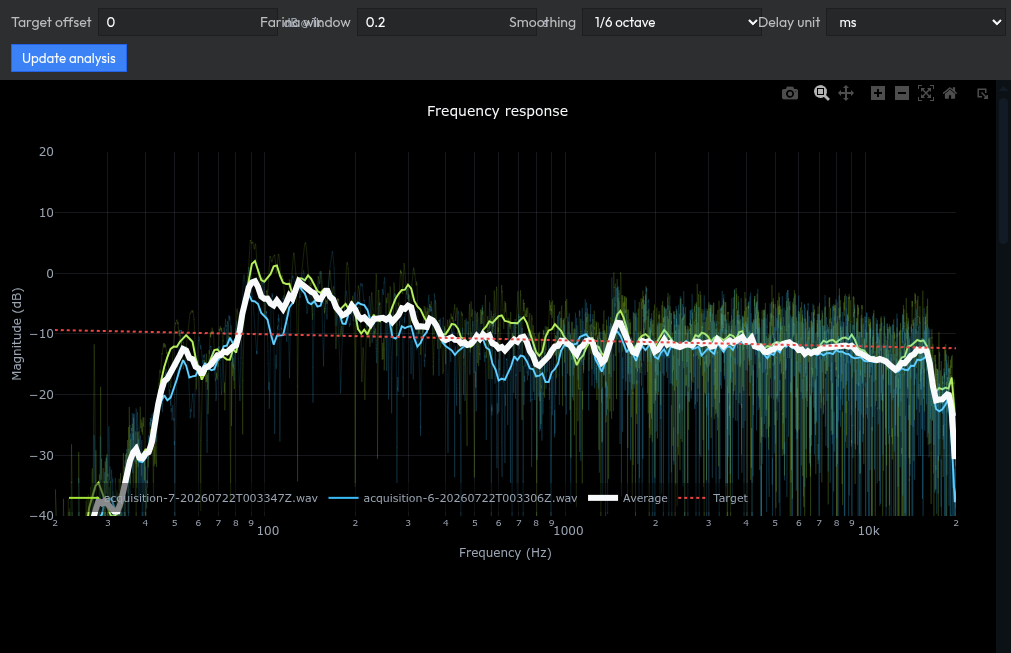
Analysis view
Review frequency and phase response, impulse alignment, distortion, THD, coherence, and phase delay across one or several recordings.
Upload one or more WAV files and open waveform tabs or combined analysis tabs.
| Select | File | Size | Action |
|---|
Use Record to play the selected stimulus and capture the response from your audio input. The recording is saved as a WAV file and added to Files.
-- dBFS
-- dBFS
-- dB
-- ms
Rolling 60-second log of uncalibrated weighted level values.
Log-frequency view with selectable weighting, exponential averaging, and fractional-octave smoothing.
Sound pressure level
--.- dBFS
LAeq · dBFS
Rolling 60-second sound level trace.
Phase shift keying
Encode UTF-8 text onto a centered 19.5 kHz binary phase-shift keyed carrier. The hard output mask permits only 19-20 kHz bins.
First 32 bits shown. A 16-bit sync word and 16-bit payload length prefix make the frame self-describing.
The captured signal, including pre-roll and post-roll padding.